

Referral Management Software Buyer's Guide: Eight Capabilities That Matter and the Red Flags to Avoid
Referral management software ranges from basic tracking dashboards to full workflow automation, and the label on the box will not tell you which one you are buying. Evaluate any platform against eight capabilities, from automated intake and bidirectional EHR integration through prior authorization, multi-channel outreach, and closed-loop tracking. Purpose-built platforms deliver all eight. EHR bolt-ons and generic CRMs typically deliver two or three and leave the rest as manual work.


The red flags are predictable: "integration" that means nightly file exports, dashboards that create tasks instead of completing them, and per-seat pricing that signals a CRM wearing healthcare clothes.
Who this guide is for
This guide is for healthcare operational leaders evaluating referral management software for specialty practices, primary care groups, FQHCs, and multi-site organizations. It gives you an evaluation framework: what the software should actually do, the eight capabilities that separate real automation from digital paperwork, and the red flags that predict a failed implementation. If you want a ranked head-to-head of specific vendors, that is a separate piece: see the best referral management software comparison. And if you are searching for marketing referral software (customer referral programs), this is not the right guide.
What referral management software actually does
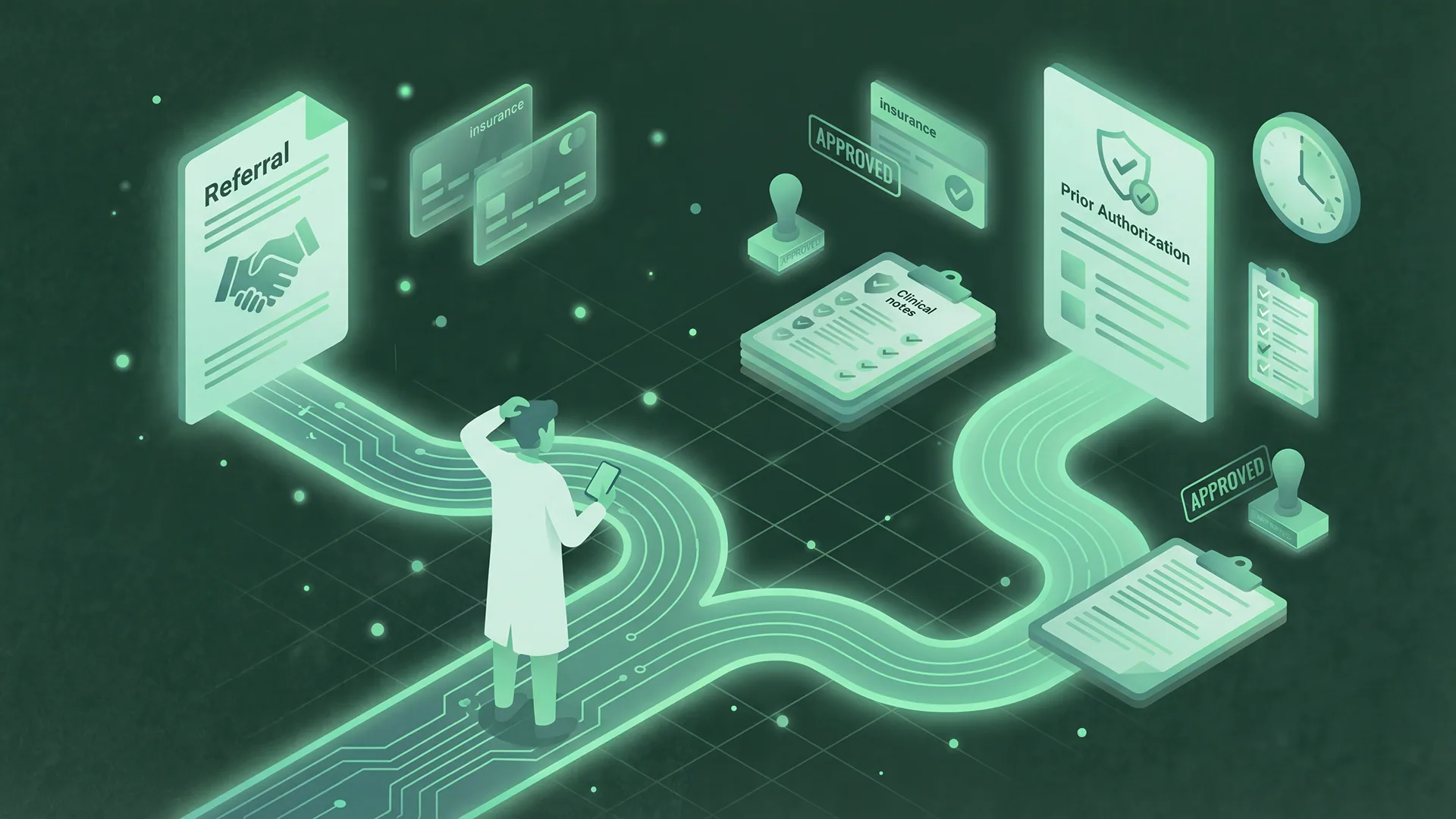
Referral management software coordinates the workflow between referring providers and specialists, from the moment a referral order is created to the moment the patient completes their visit and the consult note returns to the referrer. That lifecycle has eight stages: order created, specialist matched, prior authorization, referral packet sent, patient outreach, appointment scheduled, visit completed, consult note returned. Manual coordination breaks at every handoff after the first.
The two workflows look different depending on which side of the referral you sit on.
Outbound (referring side): someone must match the patient to an in-network, accessible specialist, secure prior authorization, send the packet, get the patient to actually schedule, track completion, and chase the consult note. Referring physicians hear back on only about one in five referrals, which tells you how often that last step happens.
Inbound (receiving side): referrals arrive by fax and portal, each needing qualification, insurance verification, patient outreach, scheduling, and loop closure back to the referrer. Delay at any step loses the referral to a competitor. Industry-wide, only 50 to 65 percent of referrals ever complete, and the Institute for Healthcare Improvement and National Patient Safety Foundation found that up to half are never completed.
The critical distinction when buying: some products track this lifecycle (they show you statuses and generate work), others automate it (they complete the work and surface exceptions). That distinction is the whole thesis of referral tracking in healthcare. For evaluation purposes, just keep asking one question in every demo: who does this step, the system or my staff?
The three categories of referral software
EHR-native modules. Epic, athenahealth, Oracle Health (Cerner), and others include referral functionality. No extra integration, one system, familiar interface. But EHR vendors build records systems, not workflow automation: their modules typically create tasks and track statuses while a human still picks up the phone. Sufficient for low volumes and simple workflows, a work-generator at scale.
Generic CRMs and patient-communication tools. Platforms built for messaging, intake, or generic pipeline management can be configured to "do referrals." They handle patient-facing communication or task pipelines well, but they do not parse clinical faxes, verify eligibility, submit prior auths, or write back to the EHR. The referral workflow lives in the gaps between what they do.
Purpose-built referral automation platforms. Designed to eliminate coordination work end to end: parsing incoming documents, verifying insurance, running authorization, engaging patients across channels, scheduling, and closing the loop. The trade-off is one more system in your stack. The payoff is that manual work actually disappears rather than getting re-labeled. How AI-driven platforms differ from traditional rules-based ones is its own comparison, covered in AI referral automation vs traditional systems. And if your evaluation is centered on the patient-facing side specifically, see patient referral management software.
The eight capabilities below are how you tell which category a product really belongs to, regardless of what its marketing says.
The eight capabilities that separate purpose-built platforms from bolt-ons
1. Automated intake and data extraction
Referrals arrive as faxes, portal messages, and EHR orders. A real platform ingests all of them, automatically extracts demographics, insurance, referring provider, and clinical reason, and creates a structured referral record with no manual data entry. A bolt-on gives you a shared inbox and a human typing.
2. Bidirectional EHR integration
"We integrate with your EHR" can mean real-time bidirectional data flow or a nightly CSV. Ask specifically: does the system detect new referral orders automatically? Can it create patient charts in the EHR, including insurance mapped to the correct payer package? Can it write back authorization status, appointments, and consult notes without a human re-keying them? Is it API and FHIR based, or screen scraping that breaks with every EHR update? The gold standard is zero manual data entry in either direction.
3. Eligibility and insurance verification at intake
Coverage should be verified when the referral arrives, not discovered at check-in. The platform should check eligibility automatically, flag out-of-network and coverage problems before anyone schedules, and route only clean referrals forward. If verification is "a link to a payer portal," that step is still your staff's job.
4. Prior authorization automation
Prior auth is where referrals go to die: submit, wait days, discover a missing document, resubmit, wait again. Look for automated submission with clinical documentation attached, status monitoring, immediate denial alerts, and resubmission handling. Manual prior auth commonly takes 30 or more minutes per request. Automated, under 5 minutes. Also ask about your specific payers, because the difficult regional plans and IPAs are exactly where thin integrations fail. Worth knowing for your evaluation: under CMS-0057-F, impacted payers must decide standard prior auths within 7 calendar days (72 hours expedited) beginning in 2026 and must publicly report their prior auth metrics, so payer performance data is becoming available to compare.
5. Multi-channel patient outreach
Patients screen calls from unknown numbers. A platform limited to phone lists, or to a single reminder text, will not reach them. Look for sequenced outreach across SMS, email, and voice with escalation logic, two-way response handling, persistence over days rather than one attempt, and automatic flagging to staff when the sequence is exhausted. The difference between first contact in about 5 minutes and first contact in 3 to 7 days is often the difference between a completed referral and a lost one.
6. Self-scheduling with matching logic
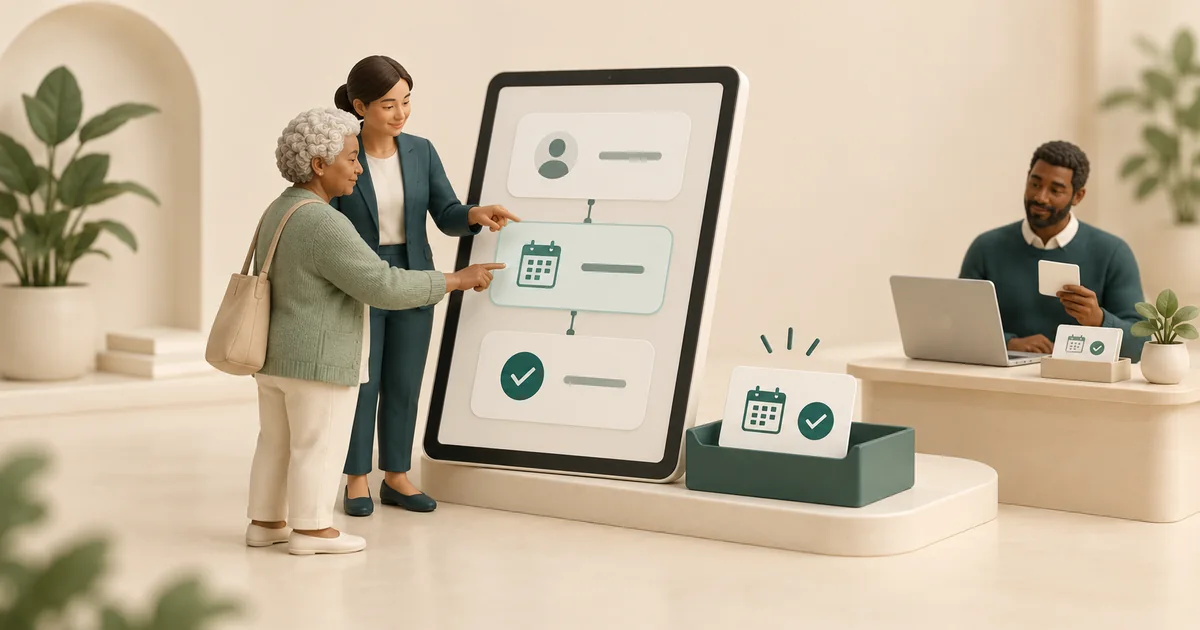
Scheduling links are table stakes. The differentiator is what is behind them. The system should offer only slots that match the patient's insurance, the referred service, the right provider, and the right location, then write the booking back to the EHR. A generic booking link that lets patients grab any slot creates rework, not automation.
7. Closed-loop tracking and referrer notification
A referral is not complete when it is scheduled. It is complete when the patient shows and the consult note returns to the referring provider. The platform should detect no-shows and re-engage, retrieve and deliver consult notes, and notify referrers at key milestones automatically. This is what protects referral relationships, and it is the capability bolt-ons most reliably lack. See closed-loop referral management for why it matters commercially.
8. Exception-based analytics
Reporting should tell you where the process leaks: conversion by stage, time-to-contact, no-show rates by source, authorization turnaround by payer, and a worklist of exceptions needing human judgment. A dashboard that just counts referrals is tracking. A dashboard that ranks what your team should touch next is automation.
Red flags and the workflow gaps they create
| Red flag in the sales process | What it signals | The workflow gap you will live with |
|---|---|---|
| Integration means a nightly file export or a portal your staff logs into | No bidirectional EHR connection | Double data entry on every referral, chart mismatches |
| Demo shows dashboards and statuses, not completed steps | Tracking tool, not automation | Same manual work, now with a second system to update |
| Per-user seat pricing | Generic CRM economics | Costs scale with headcount, the thing you are trying not to grow |
| No prior authorization workflow, or we integrate with your PA vendor | PA left out of the lifecycle | Referrals stall at the highest-friction step |
| Patient outreach is one SMS blast | No persistence or escalation logic | Unreached patients silently leak out of the funnel |
| Cannot name your regional payers or IPAs | Thin payer coverage | Your hardest 20% of referrals stay manual |
| No exception queue or human-review workflow | All-or-nothing automation | Staff distrust the system and revert to spreadsheets |
| Live in a week, or a 6-month implementation plan | Oversimplified product, or services-heavy build | Either shallow functionality or a stalled rollout |
| No reference customer on your EHR at your volume | Unproven fit | You are the pilot |
One structural note behind several of these flags: EHR bolt-ons fail on the outreach, authorization, and loop-closure steps because those happen outside the EHR. Generic CRMs fail on intake, eligibility, and writeback because those require deep healthcare integrations. The eight capabilities exist precisely where those two architectures run out.
Calculating ROI
Referral management software is priced across a wide range depending on volume and depth (Linear Health, for reference, runs $1,000 to $8,000 per month, usage-based, month-to-month). Whether the investment pays comes down to three buckets. Work these with your own numbers, or use the referral automation ROI calculator.
Staff time savings. Hours coordinators spend on referral tasks monthly, times fully loaded hourly cost, times the share the platform automates. Illustrative: 3 coordinators at 50% referral work is 240 hours per month. At $28 per hour that is $6,720, and automating most of it saves several thousand dollars a month.
Revenue capture. Average revenue per completed referral, times referrals that currently never convert. Illustrative: at $300 per visit and 400 monthly referrals with a 65 percent completion baseline, the optimistic end of the 50 to 65 percent industry range, each 10-point improvement in conversion is worth $12,000 per month.
No-show reduction. Revenue currently lost to no-shows, times the reduction. Illustrative: 52 monthly no-shows at $300 is $15,600 per month at risk. A 40% no-show reduction recovers over $6,000 of it.
For most practices processing 200 or more referrals monthly, these buckets together are why purpose-built platforms typically clear a 3:1 return within 90 days while tracking tools struggle to justify their cost.
Implementation: what to expect
A realistic implementation runs about four weeks: technical setup and EHR integration in weeks 1 and 2, a pilot subset of referrals in week 3 with configuration adjustments from real edge cases, then full rollout and staff training on exception handling in week 4. Linear Health's standard go-live is 4 weeks on this pattern, working on top of athenahealth, eClinicalWorks, NextGen, Greenway Health, Veradigm, and Epic, connected through standard health-data interfaces. You can see the full workflow scope at referral coordination automation. Be skeptical in both directions: a vendor promising go-live in days is describing a shallow product, and one that needs six months is selling you a services project.
Linear Health completely transformed how we operate. They replaced five disconnected tools we were using to manage referrals, scheduling, and patient outreach.
 Dr. Ashwin GowdaFounder & CEO, Texas Sleep Medicine
Questions to ask in every demo
- Can I see a live demo on my actual EHR and my workflow, not a canned environment?
- What is your first-patient-contact time after a referral arrives, minutes or days?
- Which of the eight capabilities do you cover natively, and which require another vendor?
- Which payer portals do you handle directly? Ask about your hardest regional payers by name.
- What happens when a patient does not respond to the first outreach attempt?
- Where does the system hand off to my staff, and what does that exception queue look like?
- What exactly writes back to my EHR without human touch?
- Can I talk to a reference customer with my EHR and my referral volume?
The bottom line
Match the tool to where your process actually breaks. Low volume and a simple workflow: your EHR's native module may be enough. A patient-communication gap only: a messaging tool may patch it. But if coordinators are spending their days on intake, eligibility, authorization, outreach, and loop closure, only a platform that covers all eight capabilities removes that work rather than re-organizing it. Buy against the checklist and the red-flag table, not the demo gloss, and make vendors prove each capability on your EHR with your payers.
Frequently asked questions
What should I look for when buying referral management software?
What is the difference between referral tracking and referral automation software?
Are EHR-native referral modules good enough?
What are the biggest red flags when evaluating referral software vendors?
How long does referral management software implementation take?
How do I know if the ROI justifies the cost?
Sources: ONC SAFER Guides, HHS on software vendors as business associates, HHS guidance on HIPAA and cloud computing, HHS guidance on risk analysis, electronic referral system study, cross-institutional referral communication barriers.